Canvas
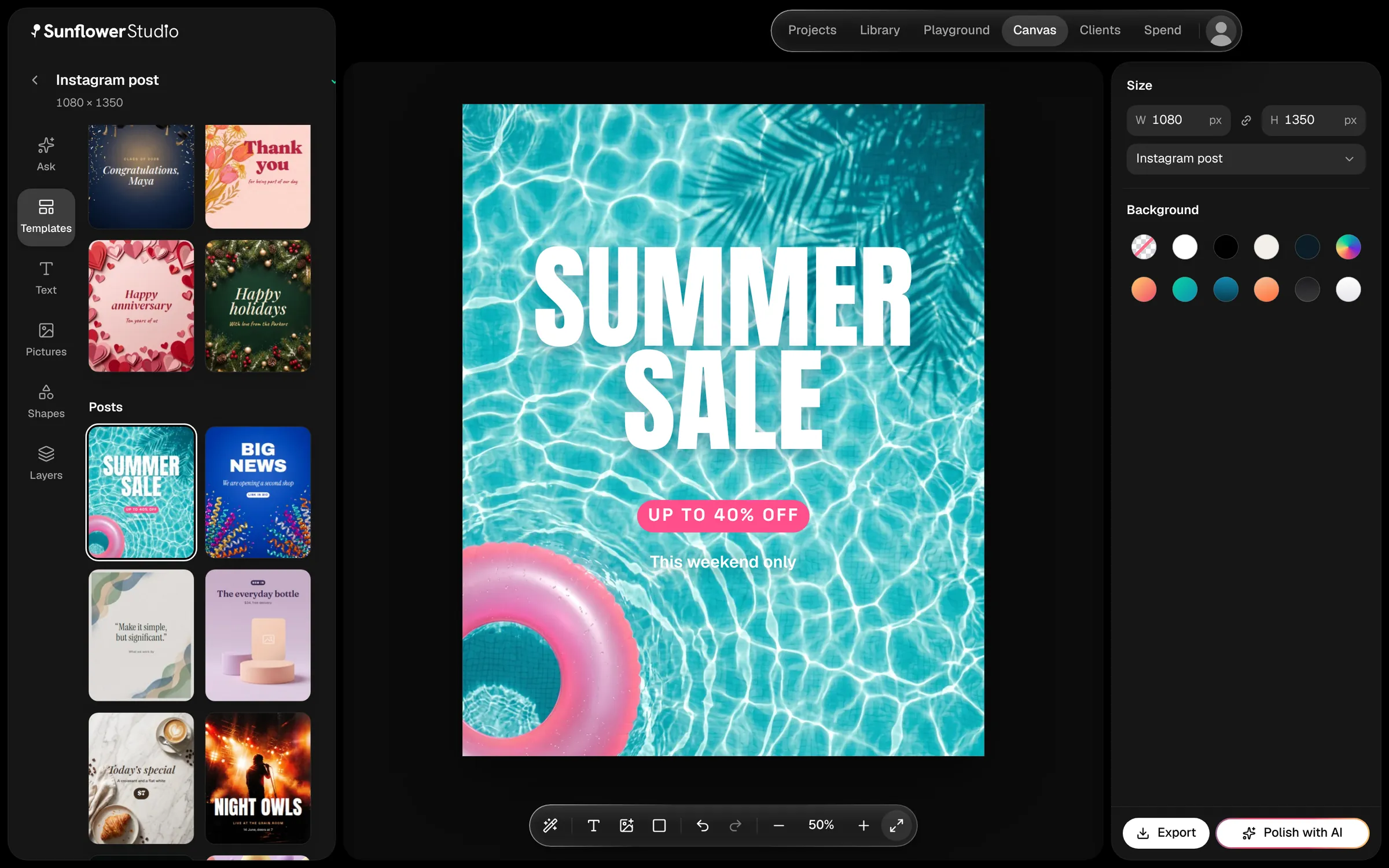
Posts, thumbnails, cards and stories to go with the ad, at the exact size each platform wants. Describe what you want or start from one of 26 templates, then Polish with AI turns the rough into a finished design.

One idea becomes a polished, studio-quality spot: script, cast, footage, sound and edit, all in one app. 10,000 credits to start.
Say your idea in a sentence. Claude writes four versions. Ask for changes in plain words, then approve the one you like.
The script becomes a storyboard you can read top to bottom, with extra scenes so you can cut the weak ones.
Make your people, places and props once. Approve a look, and it carries through every shot.
Get a row of starting pictures for every scene. Say what to change, or pick one and move on.
Your approved frames start to move. Try different models, compare the takes, keep the best.
Voices, music and effects, made for the picture. Hear a few takes of every line and approve one.
It all lands on a timeline, ready to trim, caption and export.
Makes the shots.
Frames and Clips
Cuts them together.
Sound and Edit
The whole commercial, from one sentence.
All seven steps
10,000 credits to start
Click one to watch it, and see what it took.
All made in Sunflower Studio. Marola is a made-up soda, and Night bus is the app’s sample film.
Design the posts, keep each client’s brand, take their notes, and see what it all cost. Same app, same credits.
Posts, thumbnails, cards and stories to go with the ad, at the exact size each platform wants. Describe what you want or start from one of 26 templates, then Polish with AI turns the rough into a finished design.
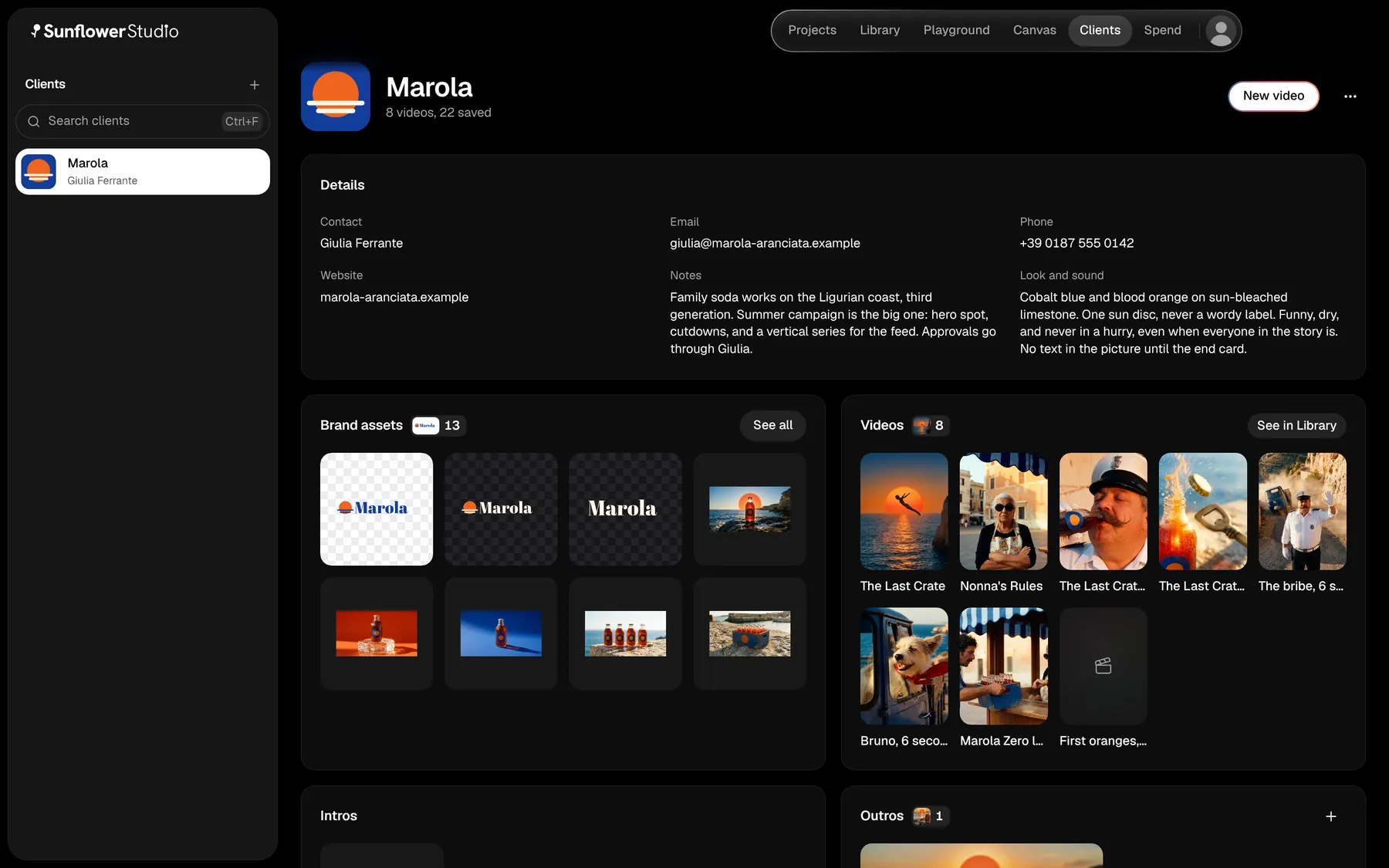
Every client has a page: their details, their look and sound, their logos, and every video you’ve made for them.
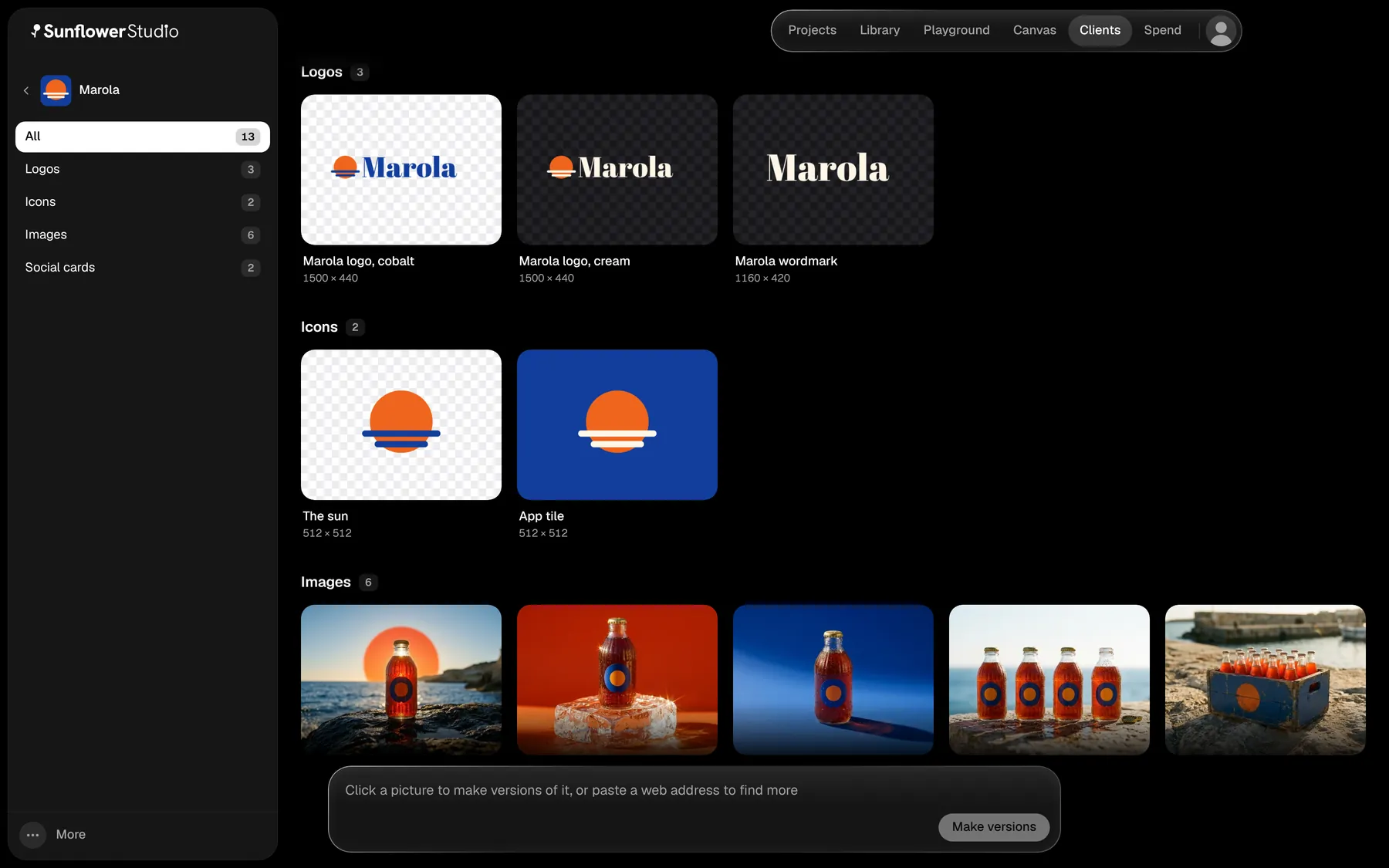
Give it their website. Their logos, icons and pictures land sorted, ready for any video or design.
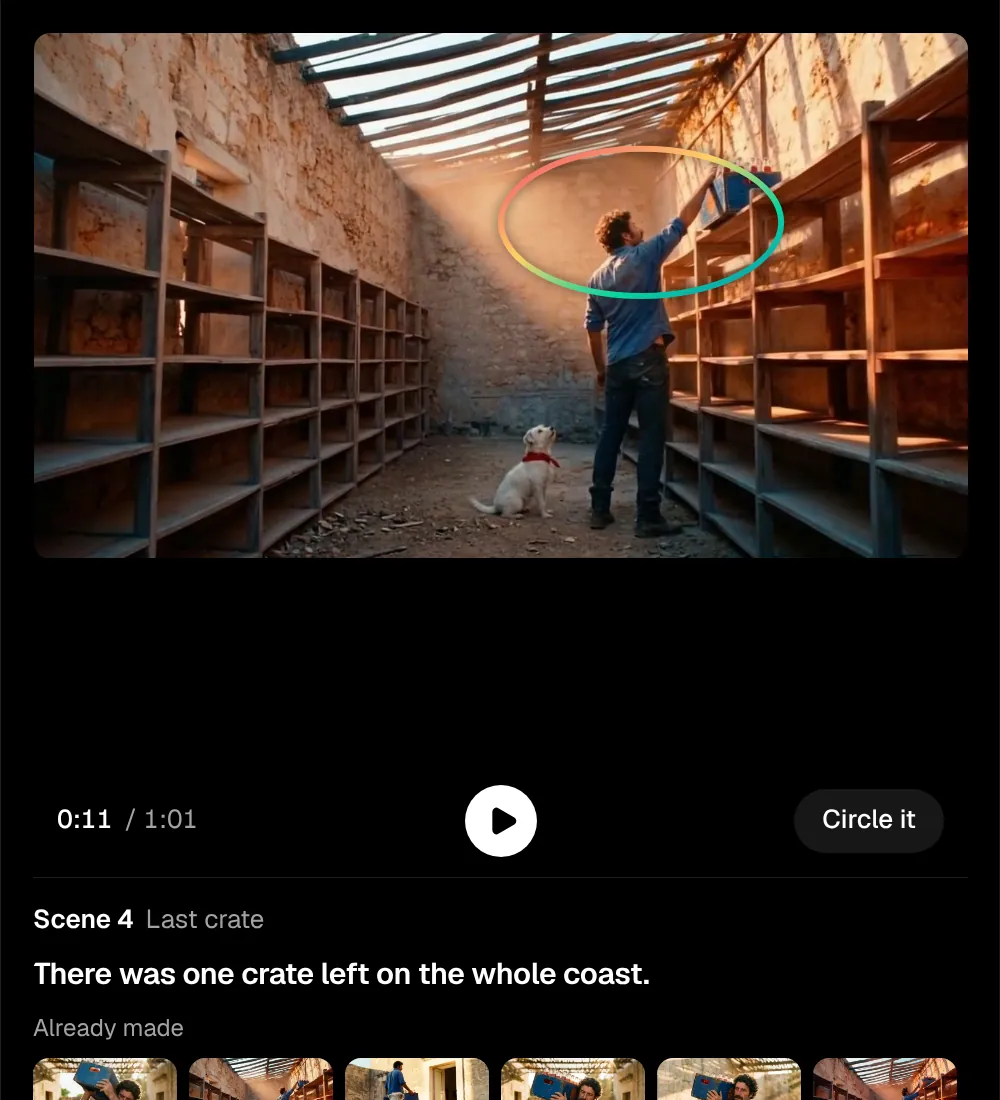
Point at the moment, circle what’s wrong, and say it, or paste the client’s notes. You compare versions before anything changes.
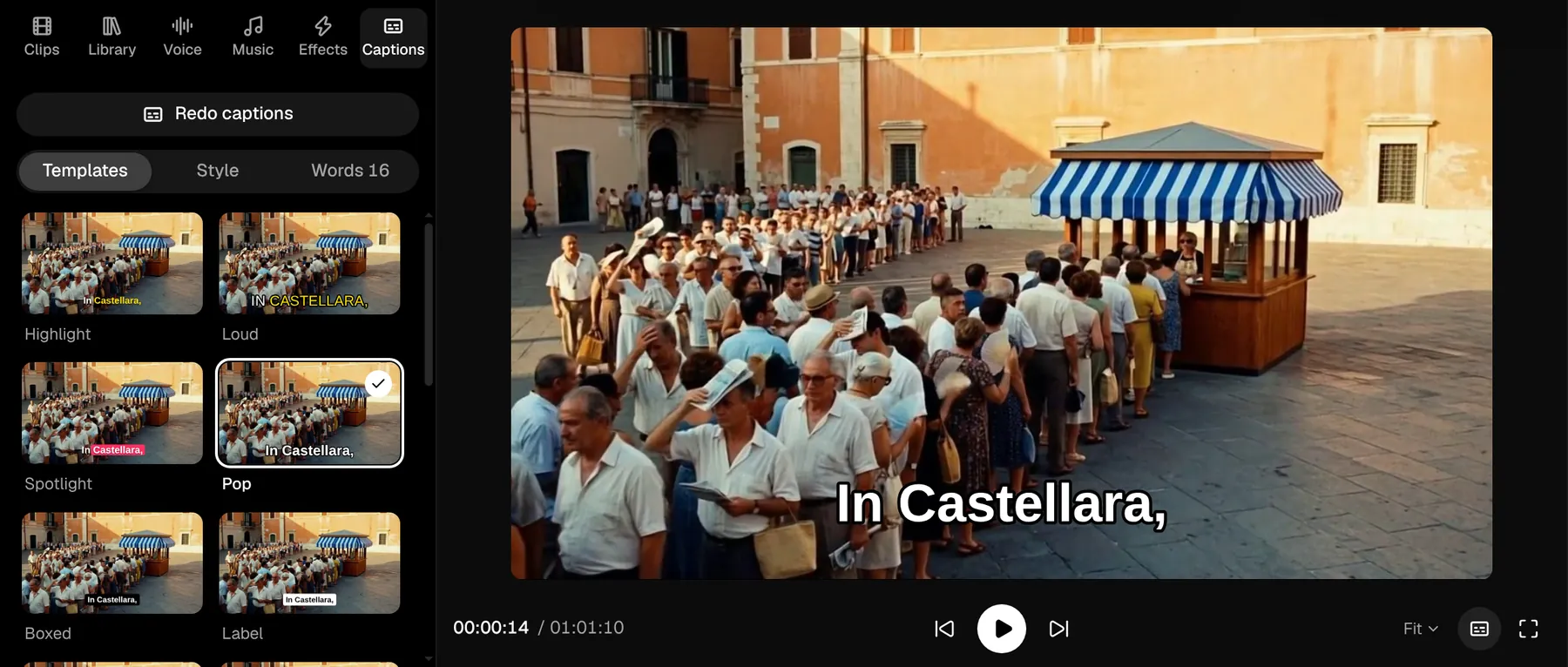
Captions read from the voices, in styles you try on the picture before you pick one.
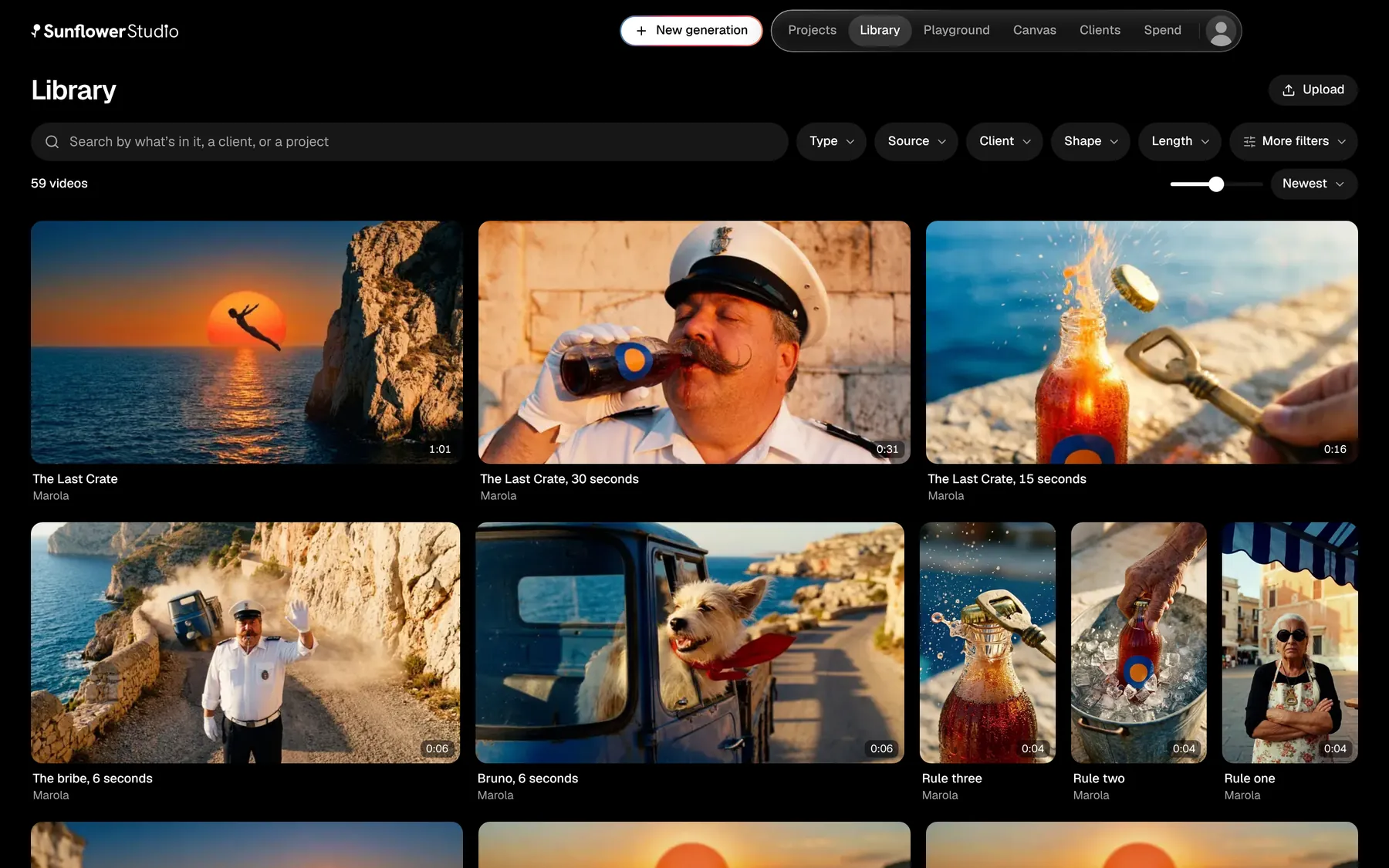
Every take from every project in one place. Search by what’s in it, a client, or a project.
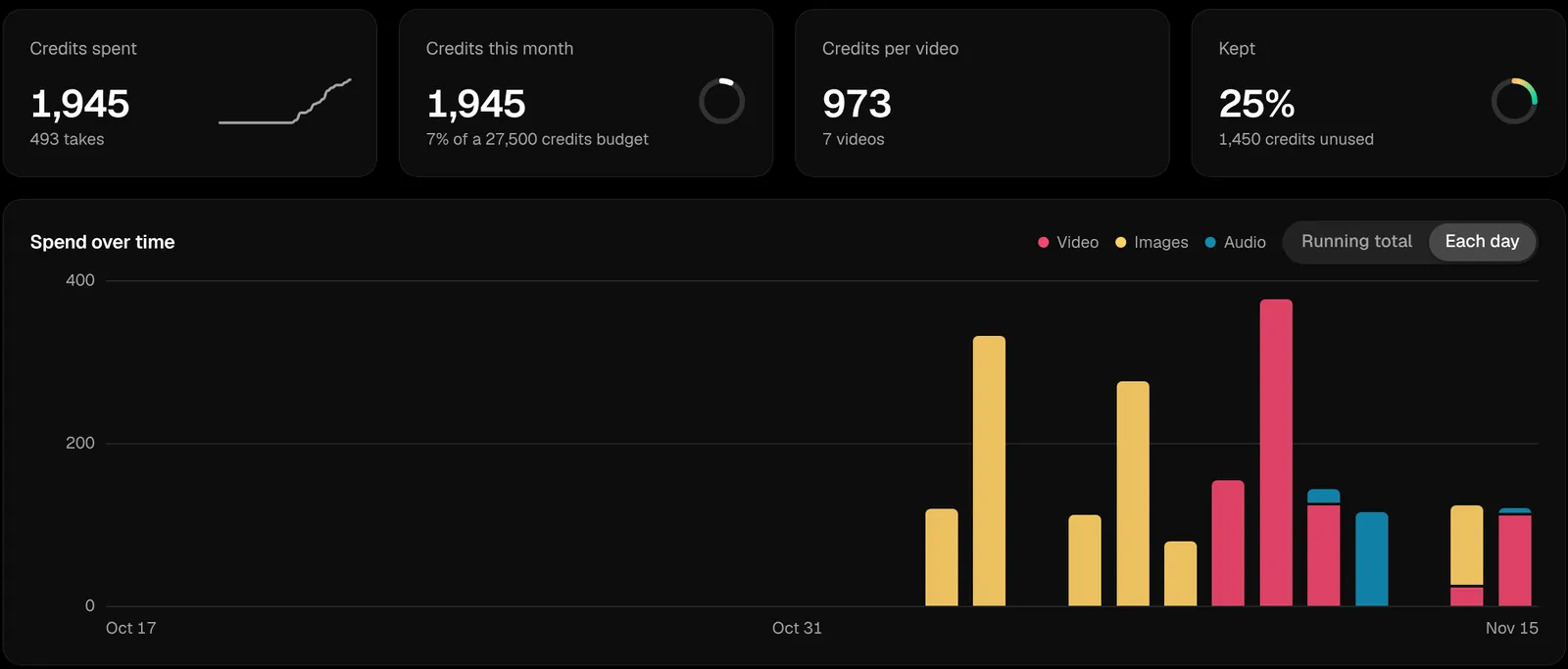
What each video, step and model cost, as you go, against the budget you set.
Quick pictures, video and music from a sentence, in the right size for every platform.
Any frame or clip, from its menu or when you export.
The whole flow, free, so you can learn it before you spend a credit.
Mac with Apple silicon, 64-bit Windows, and Linux.
Free in early access
You’ll choose a plan before anything is charged.
DownloadEverything you make is paid for in credits, and a credit is worth one cent. Every new account starts with 10,000. Plans come with more each time they renew, and you can buy more any time. A take costs what the model’s maker charges, plus 10%.
It depends on the models you pick and how many takes you make. The 60 second film on this page came to about 1,650 credits across 343 takes, by the app’s estimate. With pricier models, a 30 second video can use about 6,600. A running total sits on every step, so you always know.
Yes, and then writing is free. Connect your Claude Code in the app: if you’re already signed in on your computer, it connects with one click, and if not, you sign in with your browser. Without it, writing uses your credits.
No. Pictures, video, voices and music run on our accounts, so there are no keys to make or paste. Sign in and start.
Yes. Demo mode runs the whole flow and uses no credits. Its pictures are simple paper cut-outs, so you can learn the steps before you spend anything.
Mac with Apple silicon, 64-bit Windows, and Linux.
9:16, 4:5, 1:1, 4:3 and 16:9, exported at up to 4K. Which ones you can generate depends on the model you pick.
Yes. Annual is $2,999 a year, which saves $589 on paying monthly.